> ## Documentation Index
> Fetch the complete documentation index at: https://docs.osiro.app/llms.txt
> Use this file to discover all available pages before exploring further.
# FAQ
> Häufig gestellte Fragen als aufklappbare Liste.
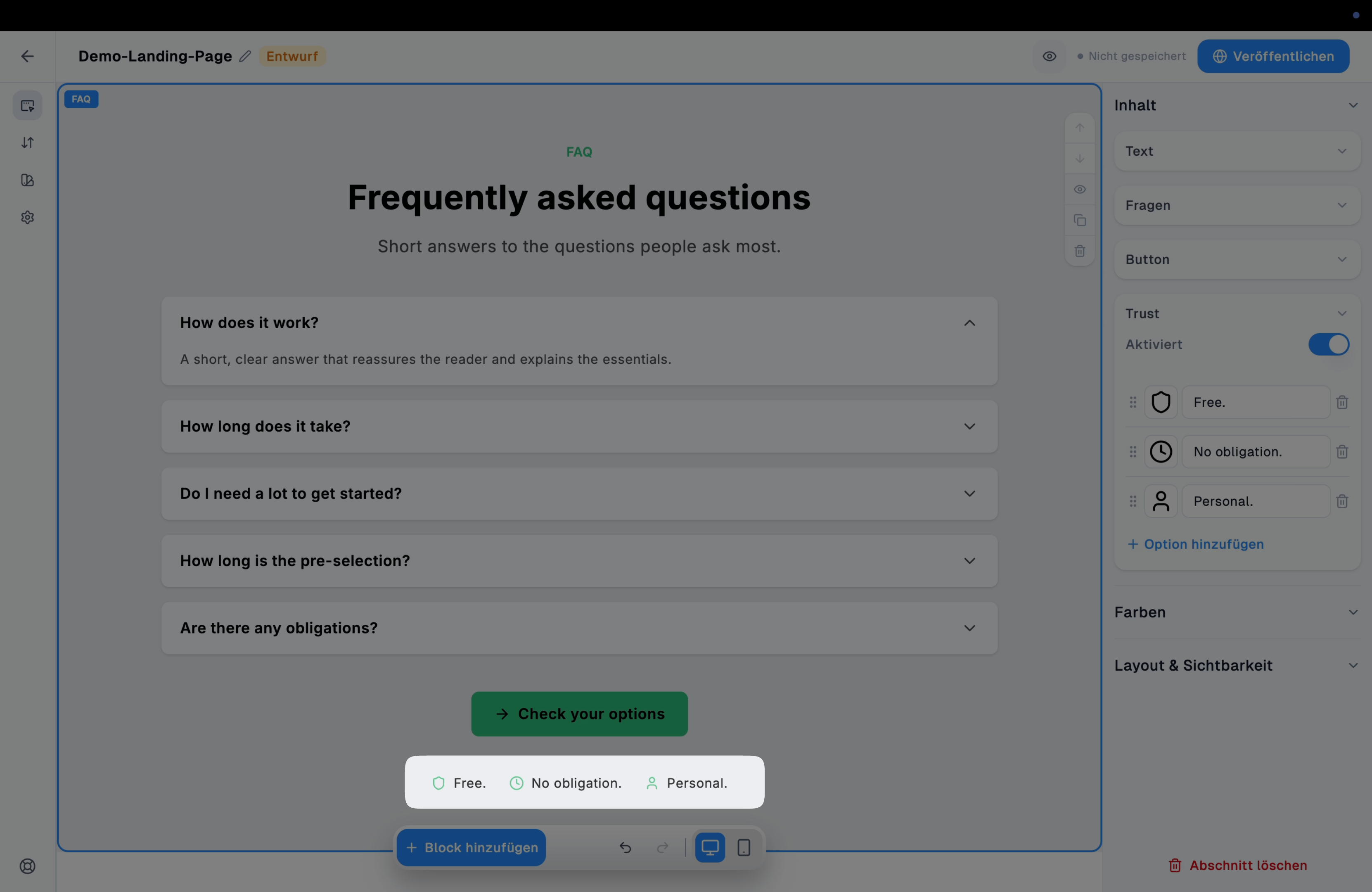
## Überblick
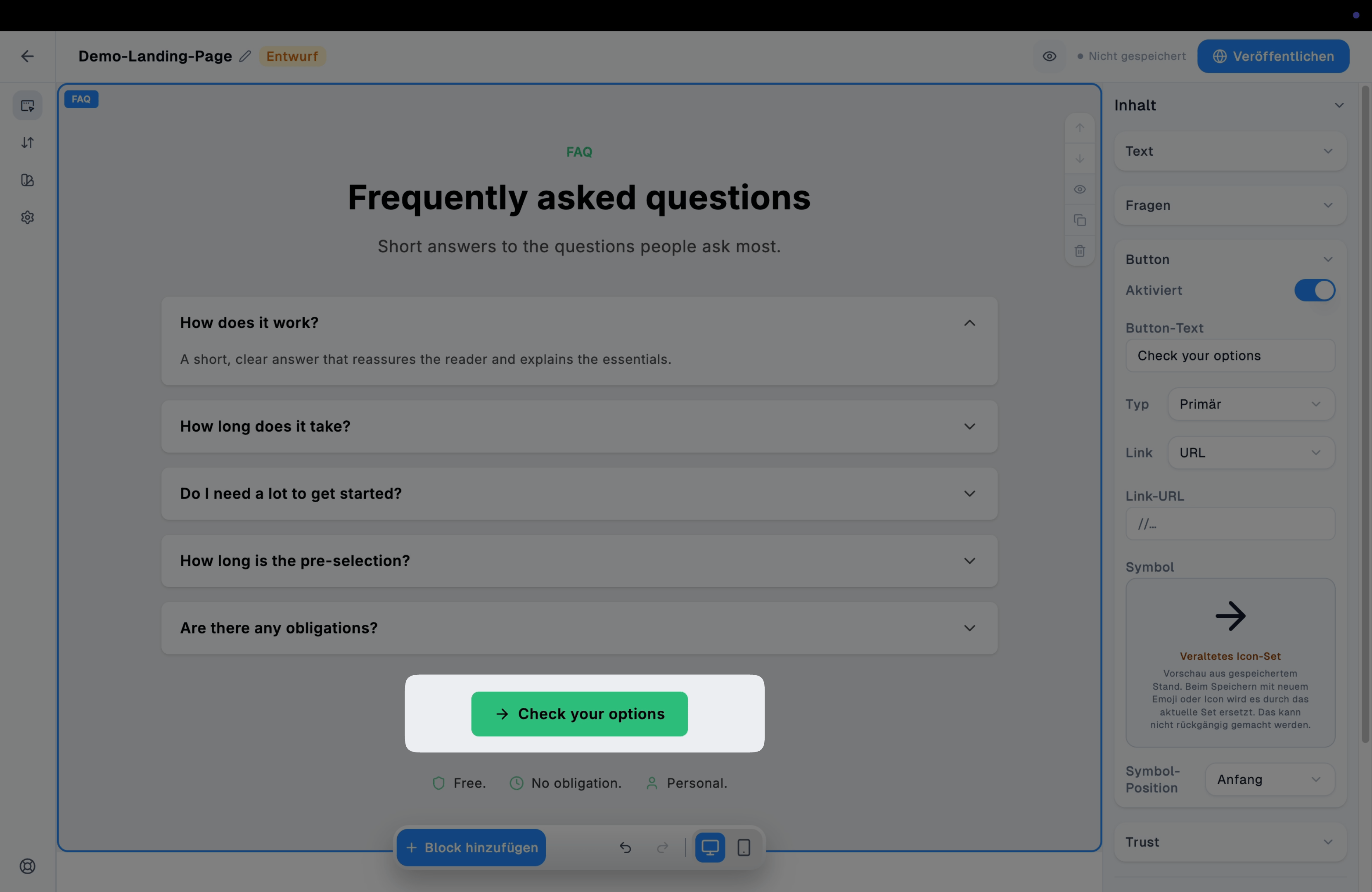
Der FAQ-Block zeigt häufig gestellte Fragen als aufklappbare Liste (Akkordeon) – ideal, um typische Einwände oder Unklarheiten direkt auf der Landing Page zu beantworten.
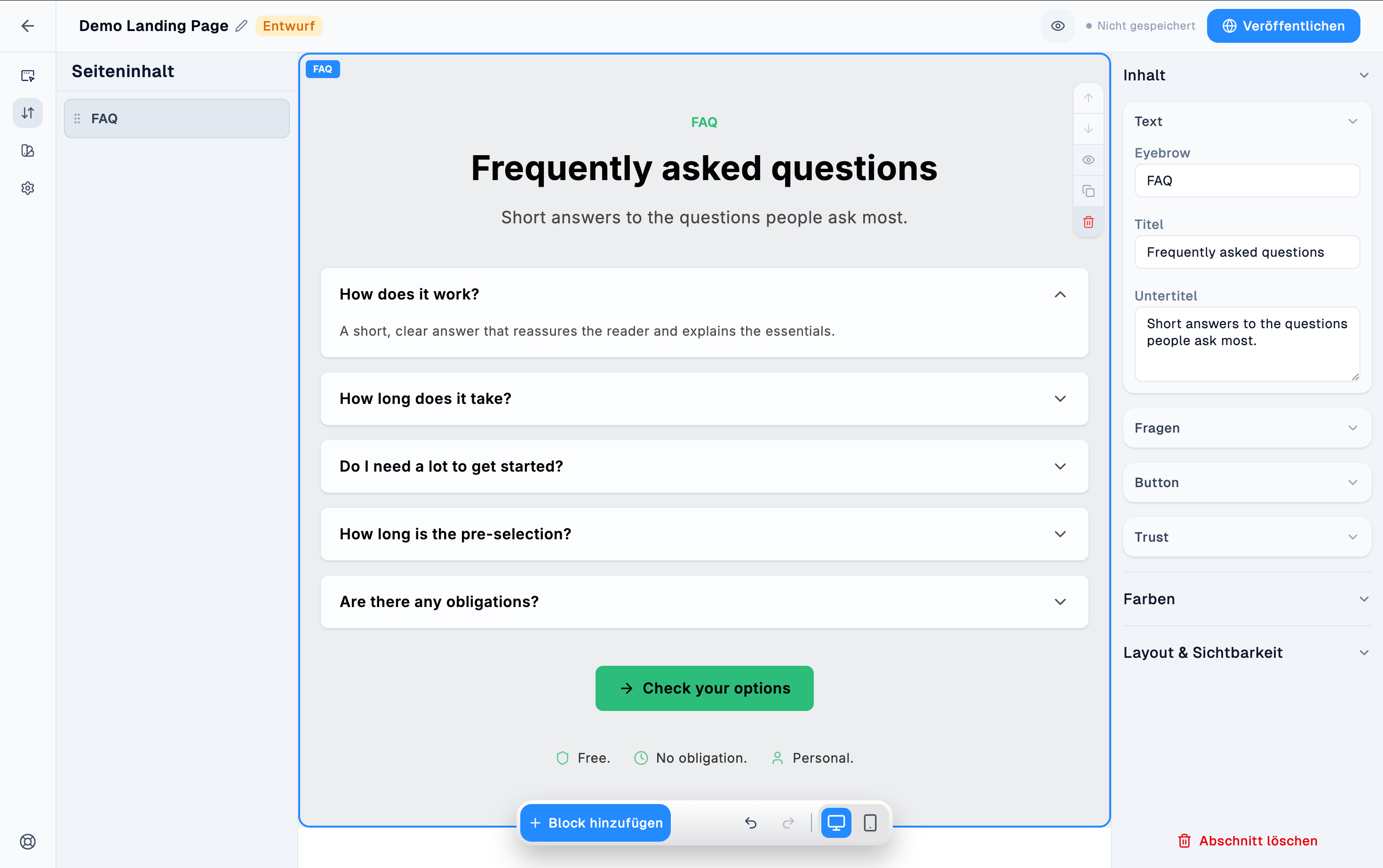 Einsatz, um offene Fragen oder Einwände vorab auszuräumen, bevor sich der Besucher entscheidet – meist weiter unten auf der Seite, kurz vor einem abschließenden CTA.
***
## Komponenten
### Text
Eyebrow, Titel, Untertitel.
Einsatz, um offene Fragen oder Einwände vorab auszuräumen, bevor sich der Besucher entscheidet – meist weiter unten auf der Seite, kurz vor einem abschließenden CTA.
***
## Komponenten
### Text
Eyebrow, Titel, Untertitel.
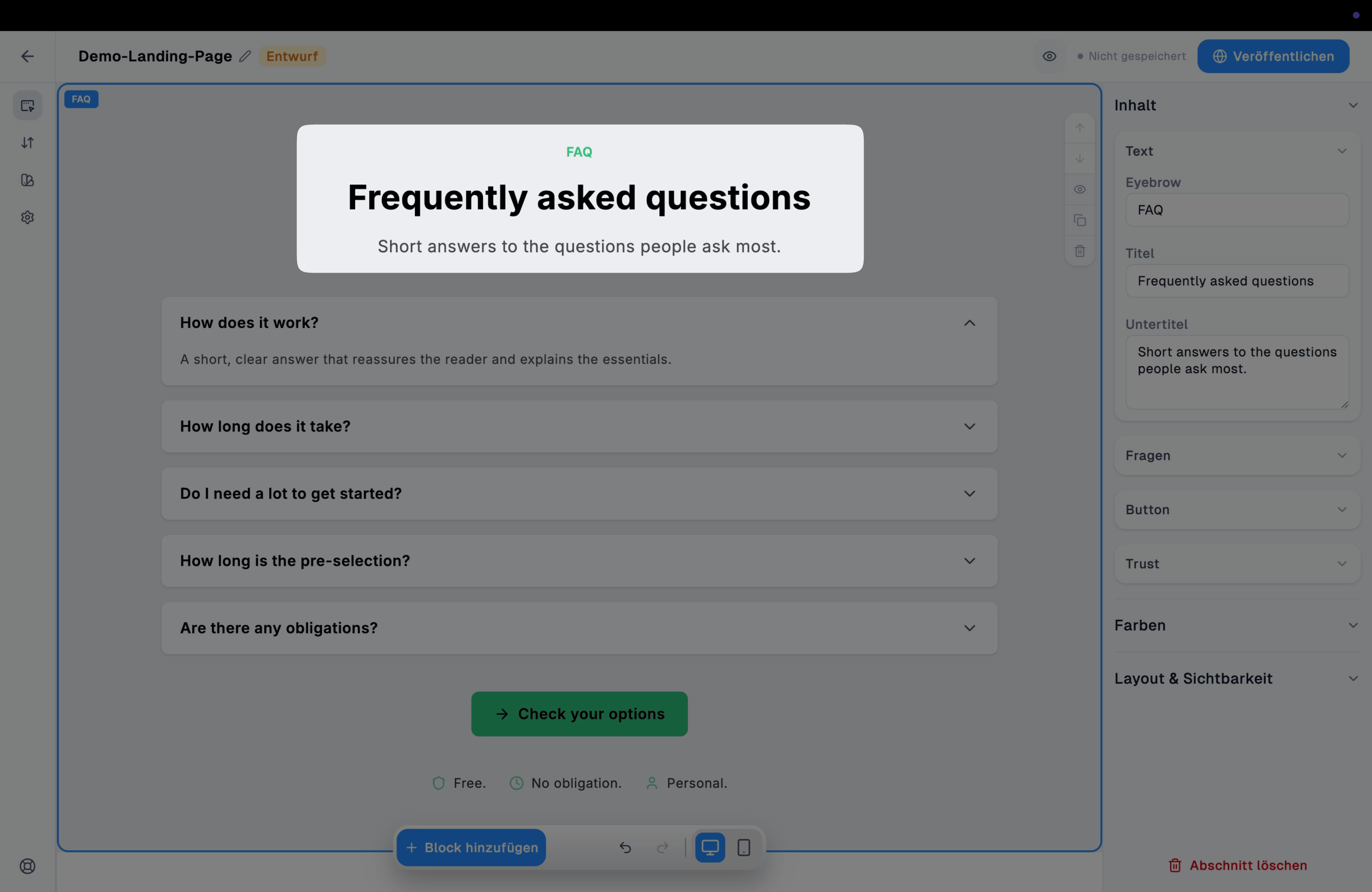 ### Fragen
Die einzelnen Frage-Antwort-Paare; weitere über "Option hinzufügen".
### Fragen
Die einzelnen Frage-Antwort-Paare; weitere über "Option hinzufügen".
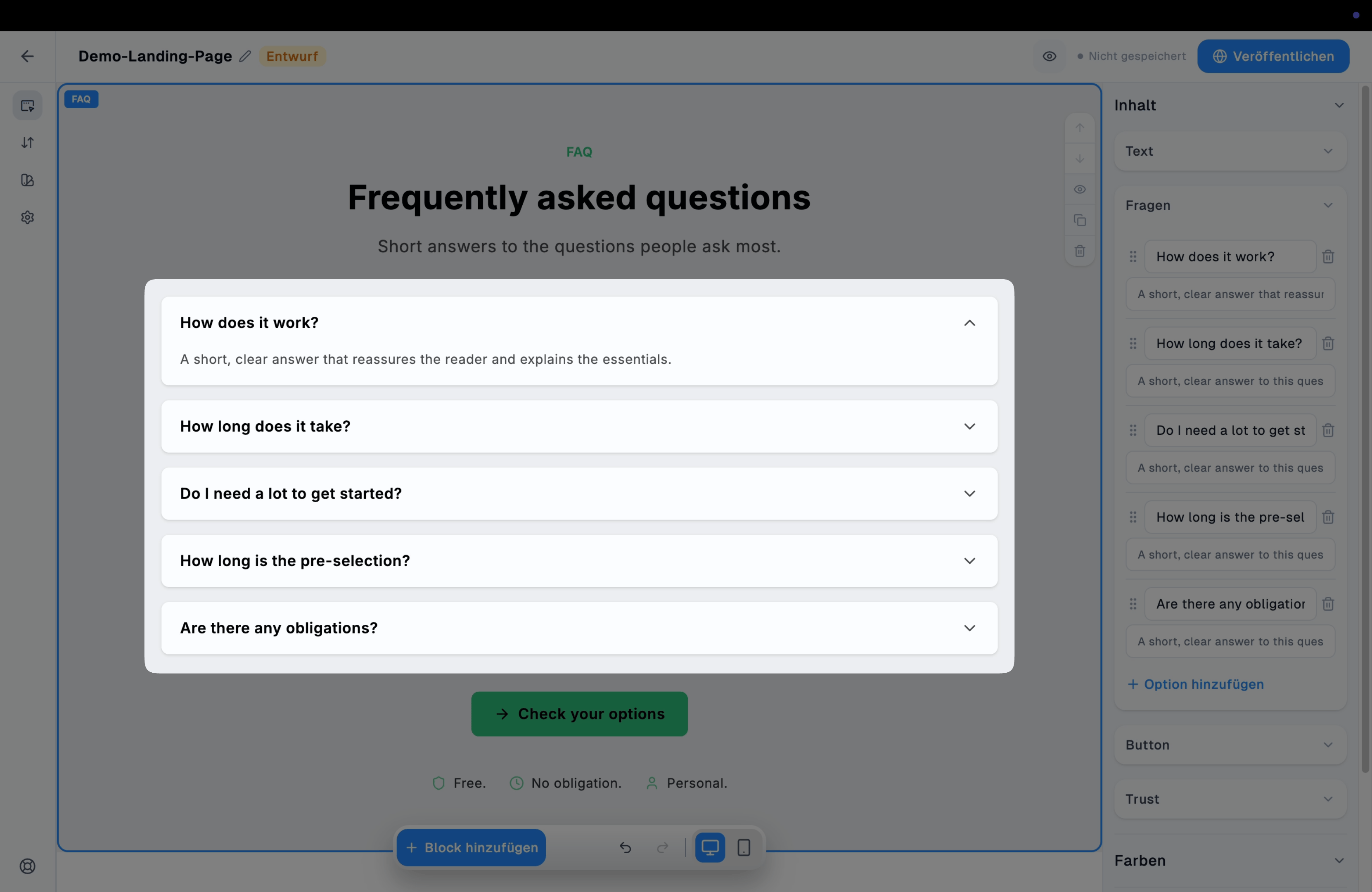 ### Button
Optionaler [Button](/convert/landing-page-editor/button) unterhalb der Fragen.
### Button
Optionaler [Button](/convert/landing-page-editor/button) unterhalb der Fragen.
 ### Trust
Optionale Liste kurzer Vertrauenshinweise (Icon + Text) unterhalb des Buttons, erweiterbar über "Option hinzufügen"; das [Icon](/convert/medien/icons) je Hinweis lässt sich frei wählen.
### Trust
Optionale Liste kurzer Vertrauenshinweise (Icon + Text) unterhalb des Buttons, erweiterbar über "Option hinzufügen"; das [Icon](/convert/medien/icons) je Hinweis lässt sich frei wählen.