> ## Documentation Index
> Fetch the complete documentation index at: https://docs.osiro.app/llms.txt
> Use this file to discover all available pages before exploring further.
# Hero
> Der Einstiegsbereich Ihrer Landing Page mit Headline, Text und Call-to-Action.
## Überblick
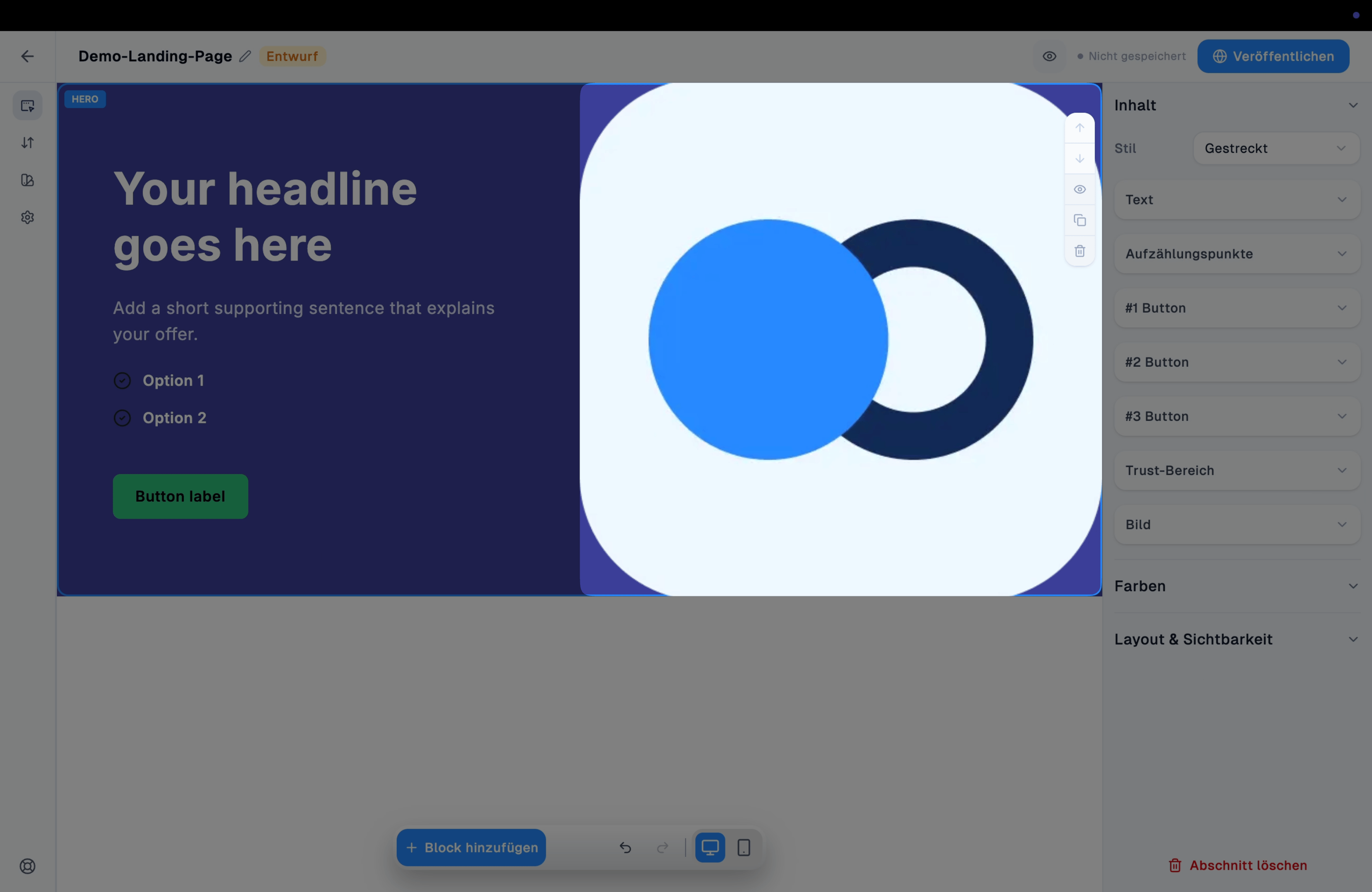
Der Hero-Block zeigt die zentrale Botschaft Ihrer Landing Page – Headline, unterstützender Text und ein oder mehrere Buttons – meist neben einem Bild.
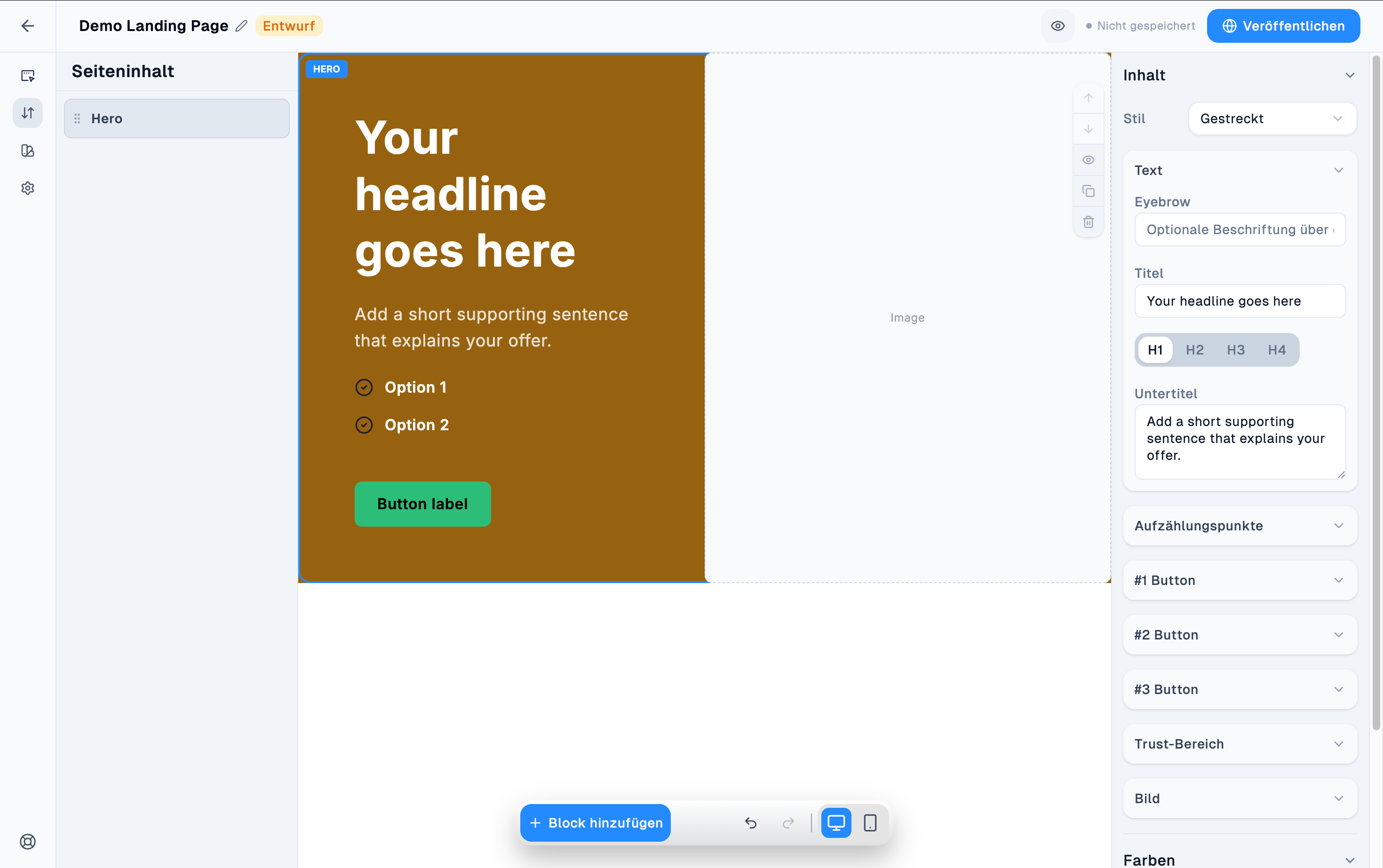 Einsatz direkt nach der [Navigation](/convert/landing-page-editor/navigation) – meist der zweite Block auf der Seite, als erster inhaltlicher Eindruck. Die Navigation steht immer ganz oben.
***
## Komponenten
### Text
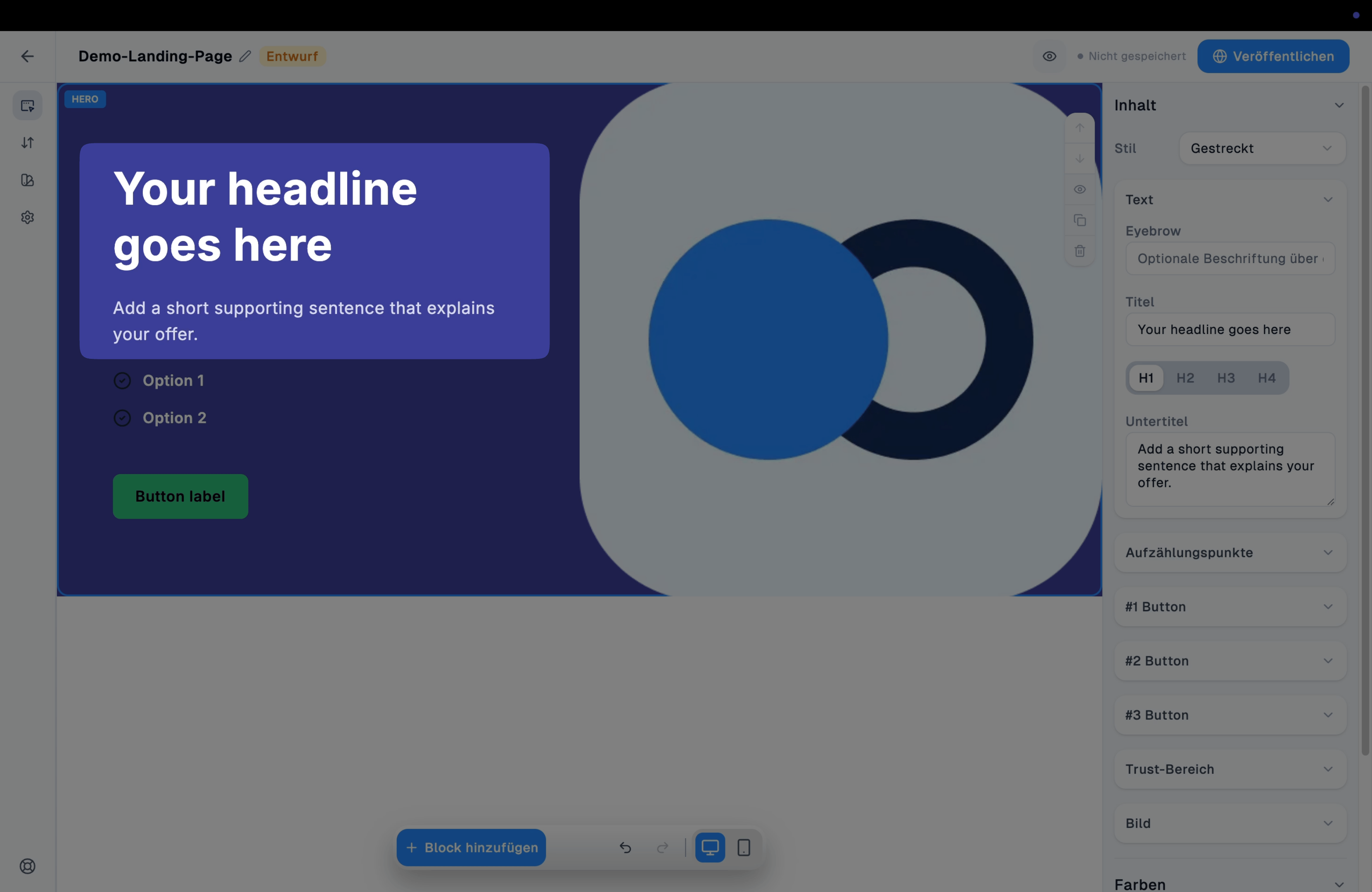
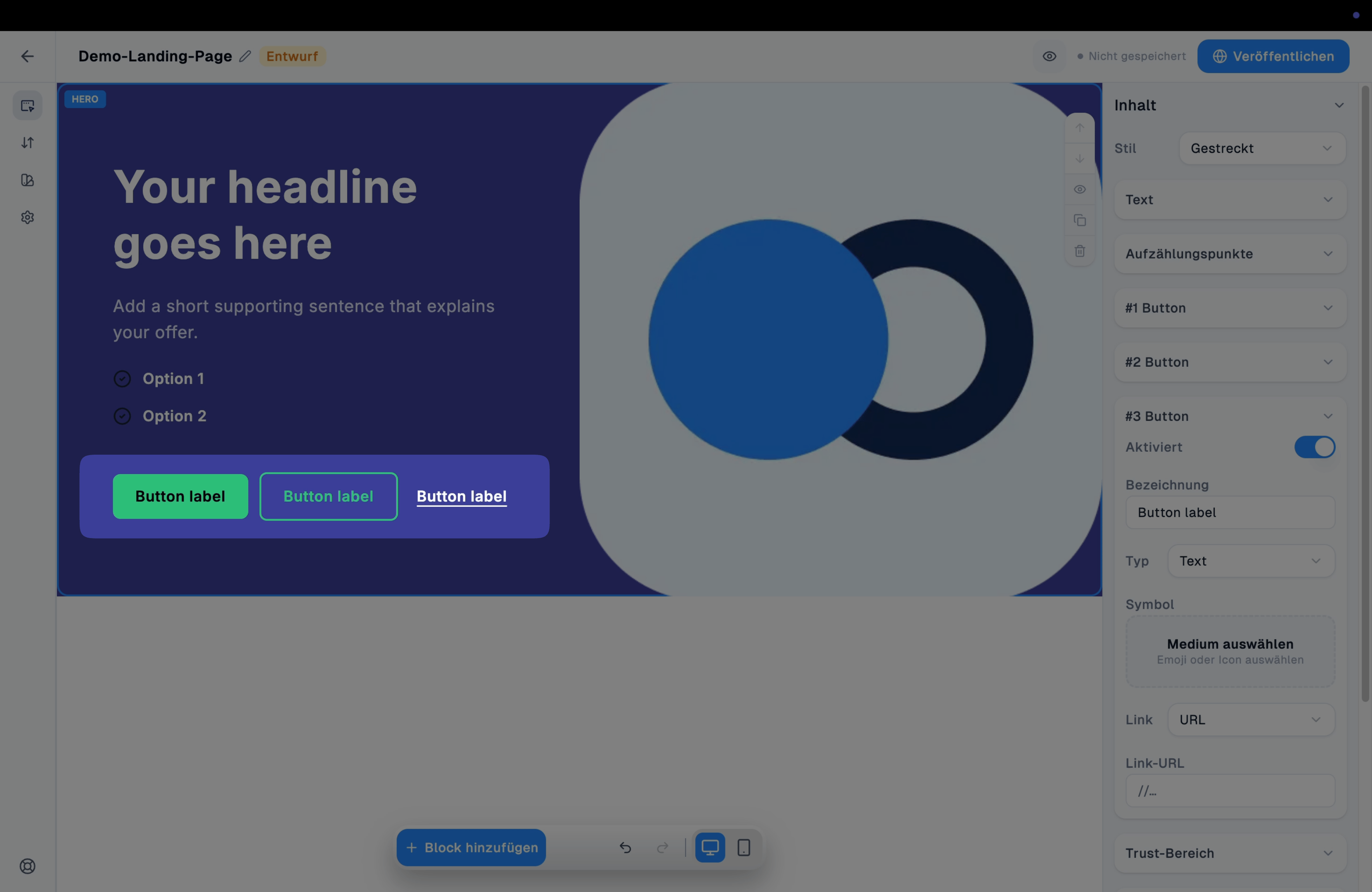
Stil (Layout-Variante des Blocks, z. B. Gestreckt) sowie Eyebrow (kleine Beschriftung über der Headline), Titel (mit Wahl der Überschriftenebene H1–H4) und Untertitel.
Einsatz direkt nach der [Navigation](/convert/landing-page-editor/navigation) – meist der zweite Block auf der Seite, als erster inhaltlicher Eindruck. Die Navigation steht immer ganz oben.
***
## Komponenten
### Text
Stil (Layout-Variante des Blocks, z. B. Gestreckt) sowie Eyebrow (kleine Beschriftung über der Headline), Titel (mit Wahl der Überschriftenebene H1–H4) und Untertitel.
 ### Aufzählungspunkte
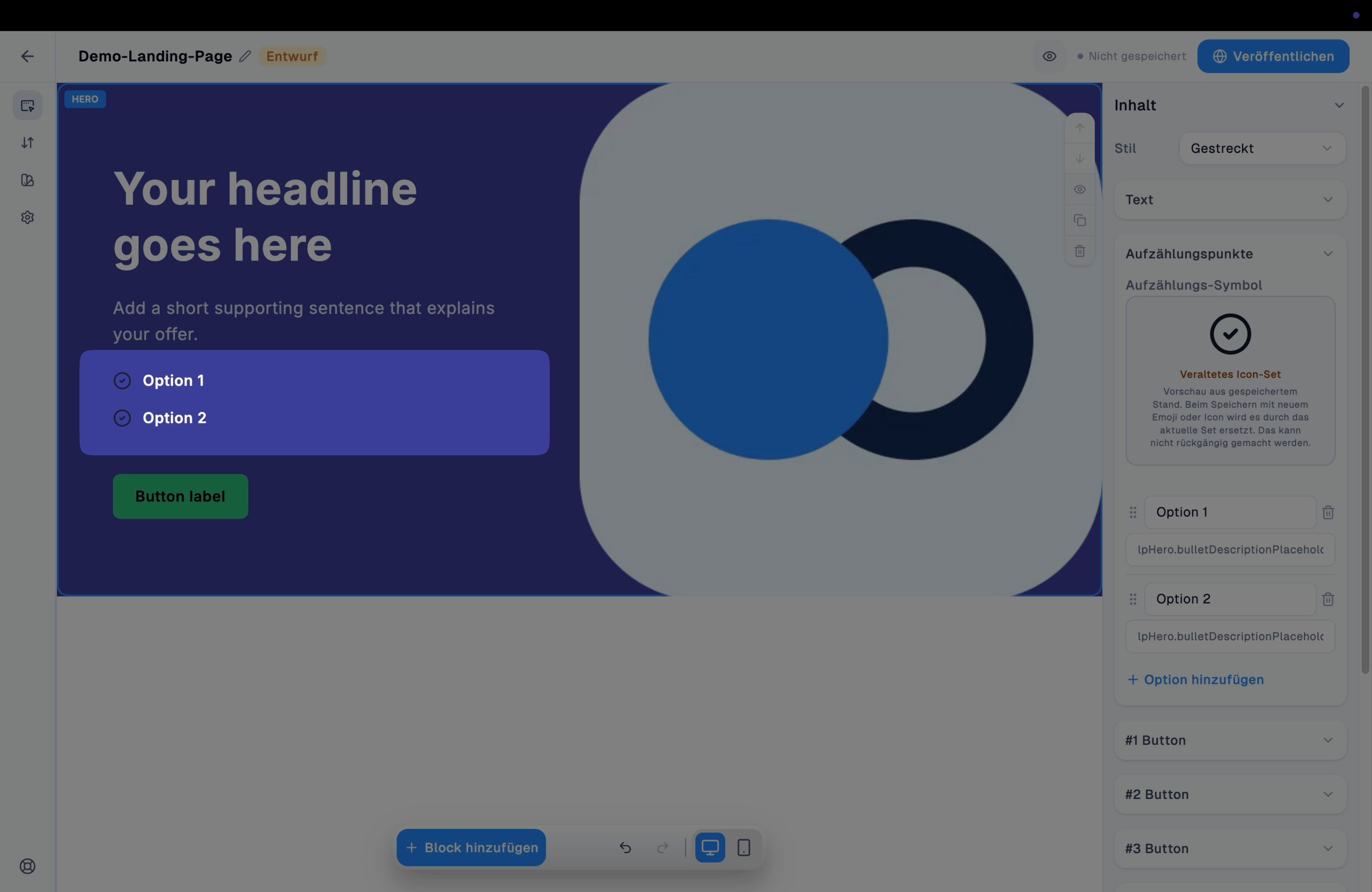
Optionale Liste von Punkten mit gemeinsam wählbarem [Icon](/convert/medien/icons) sowie je Punkt Titel und Beschreibung (z. B. "Option 1", "Option 2"); weitere Punkte über "Option hinzufügen".
### Aufzählungspunkte
Optionale Liste von Punkten mit gemeinsam wählbarem [Icon](/convert/medien/icons) sowie je Punkt Titel und Beschreibung (z. B. "Option 1", "Option 2"); weitere Punkte über "Option hinzufügen".
 ### Button 1–3
Bis zu drei [Buttons](/convert/landing-page-editor/button).
### Button 1–3
Bis zu drei [Buttons](/convert/landing-page-editor/button).
 ### Trust-Bereich
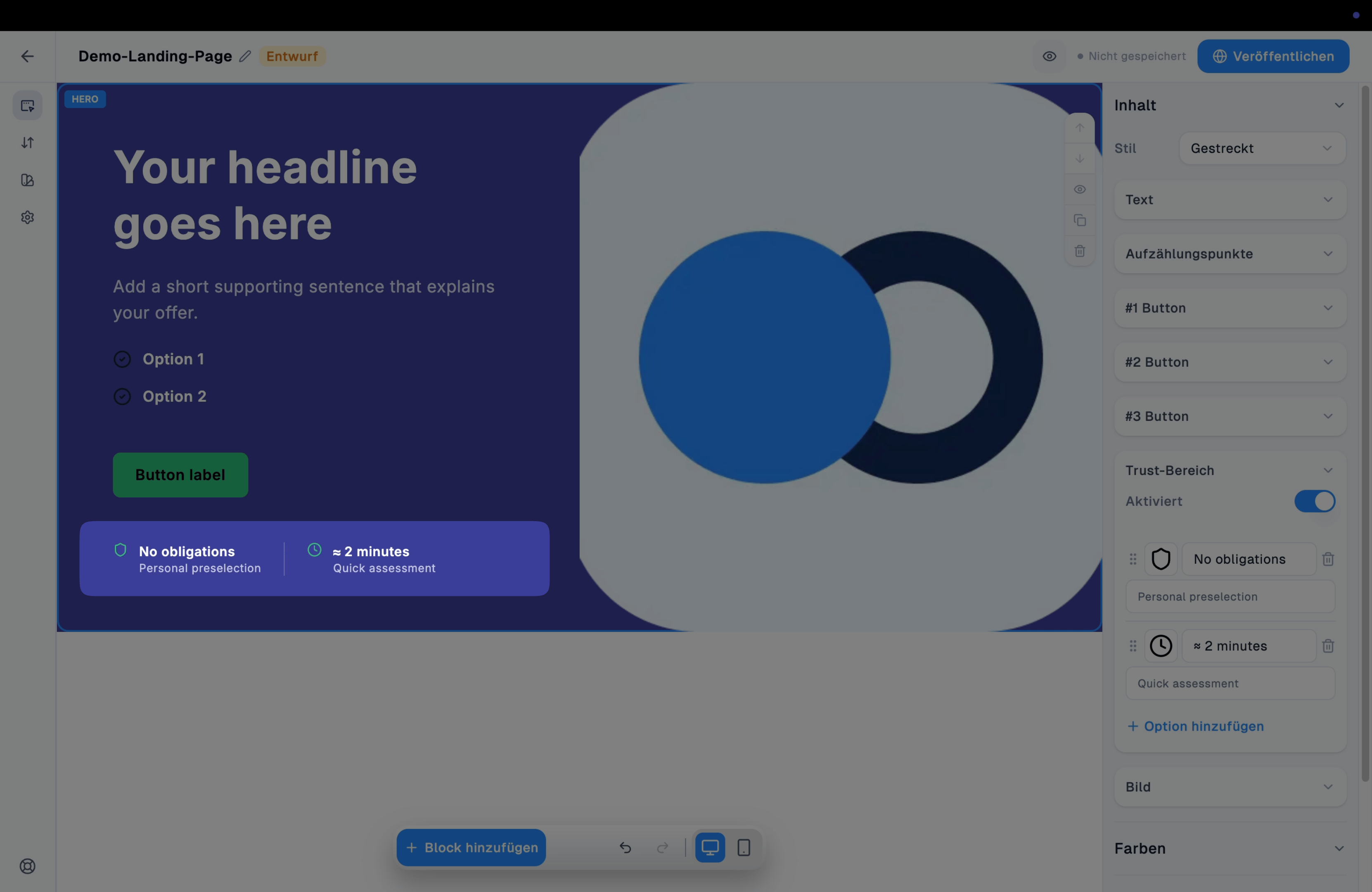
Optionale Liste kurzer Vertrauenshinweise (Icon + Text) unterhalb der Buttons (z. B. "No obligations", "≈ 2 minutes"), erweiterbar über "Option hinzufügen"; das [Icon](/convert/medien/icons) je Hinweis lässt sich frei wählen.
### Trust-Bereich
Optionale Liste kurzer Vertrauenshinweise (Icon + Text) unterhalb der Buttons (z. B. "No obligations", "≈ 2 minutes"), erweiterbar über "Option hinzufügen"; das [Icon](/convert/medien/icons) je Hinweis lässt sich frei wählen.
 ### Bild
Das [Bild](/convert/medien/bilder) neben Text und Buttons.
### Bild
Das [Bild](/convert/medien/bilder) neben Text und Buttons.