> ## Documentation Index
> Fetch the complete documentation index at: https://docs.osiro.app/llms.txt
> Use this file to discover all available pages before exploring further.
# Trust Block
> Vertrauensfaktoren mit Icons prominent hervorheben.
## Überblick
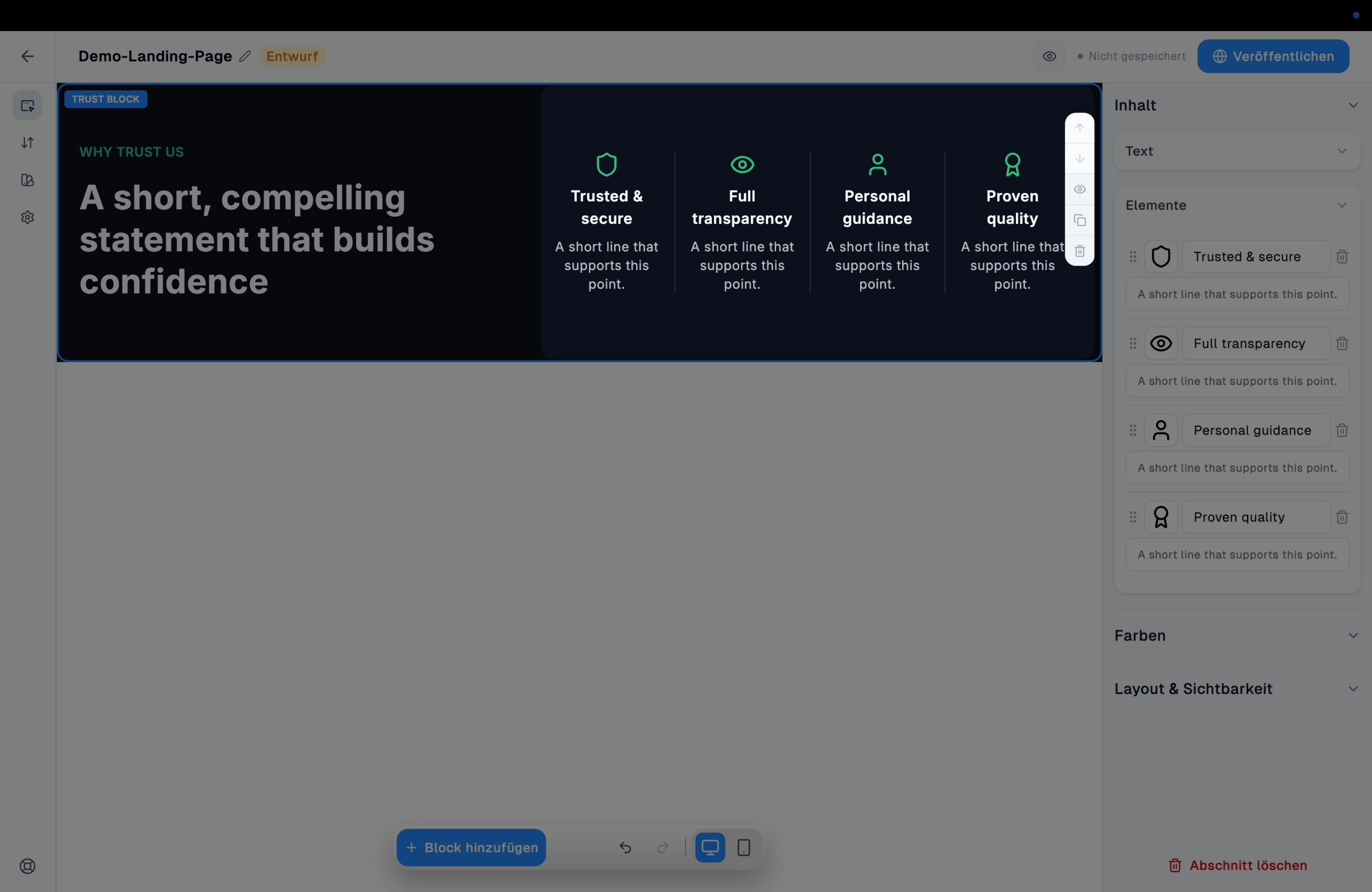
Der Trust-Block stellt mehrere Vertrauensfaktoren (z. B. Sicherheit, Transparenz, persönliche Beratung) mit Icon nebeneinander dar – meist optisch abgesetzt vom übrigen Seitendesign.
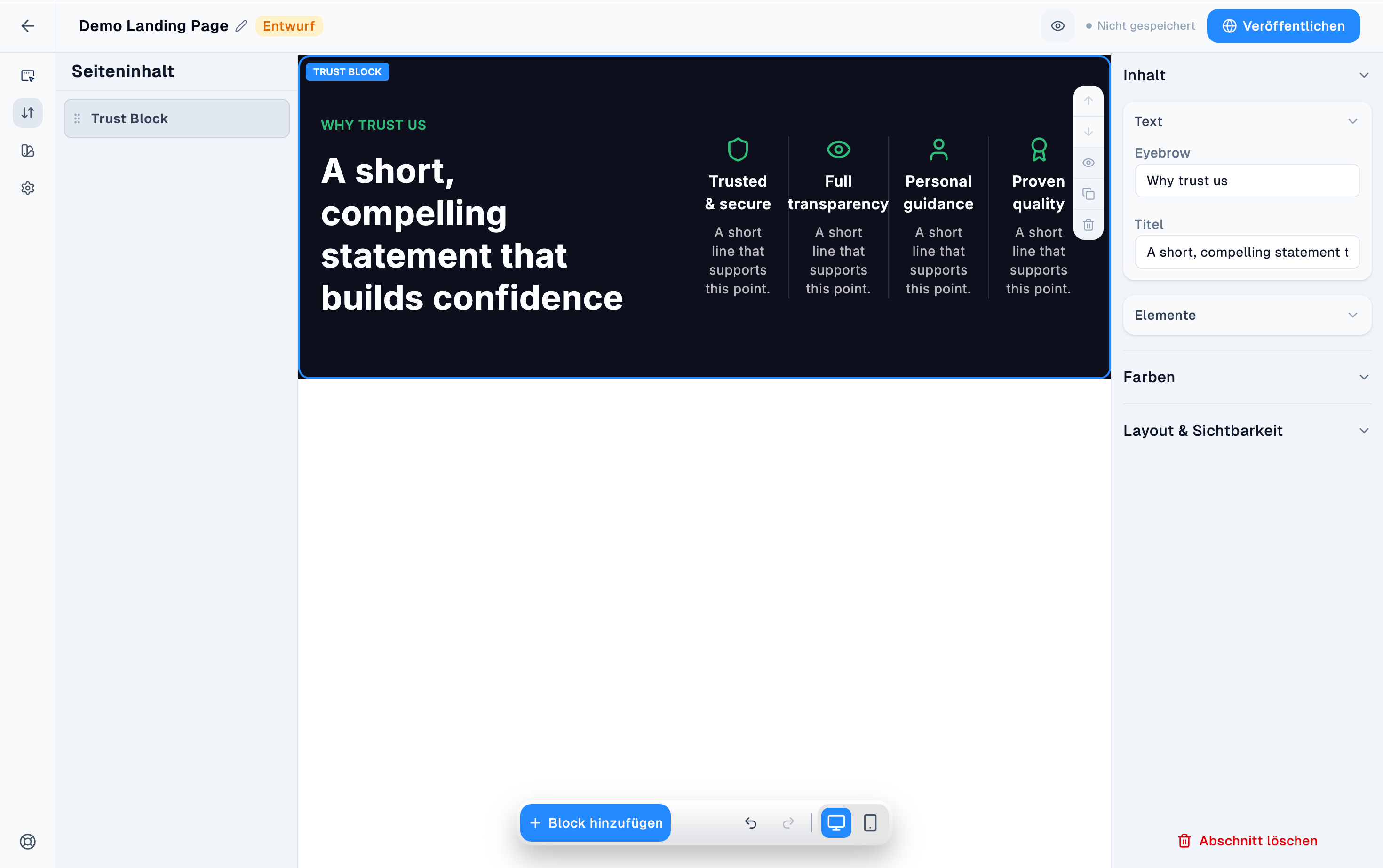 Einsatz, wenn Sie mehrere Vertrauensfaktoren kompakt und visuell hervorgehoben darstellen möchten – z. B. als optischer Bruch zwischen zwei helleren Abschnitten.
***
## Komponenten
### Text
Eyebrow, Titel.
Einsatz, wenn Sie mehrere Vertrauensfaktoren kompakt und visuell hervorgehoben darstellen möchten – z. B. als optischer Bruch zwischen zwei helleren Abschnitten.
***
## Komponenten
### Text
Eyebrow, Titel.
 ### Elemente
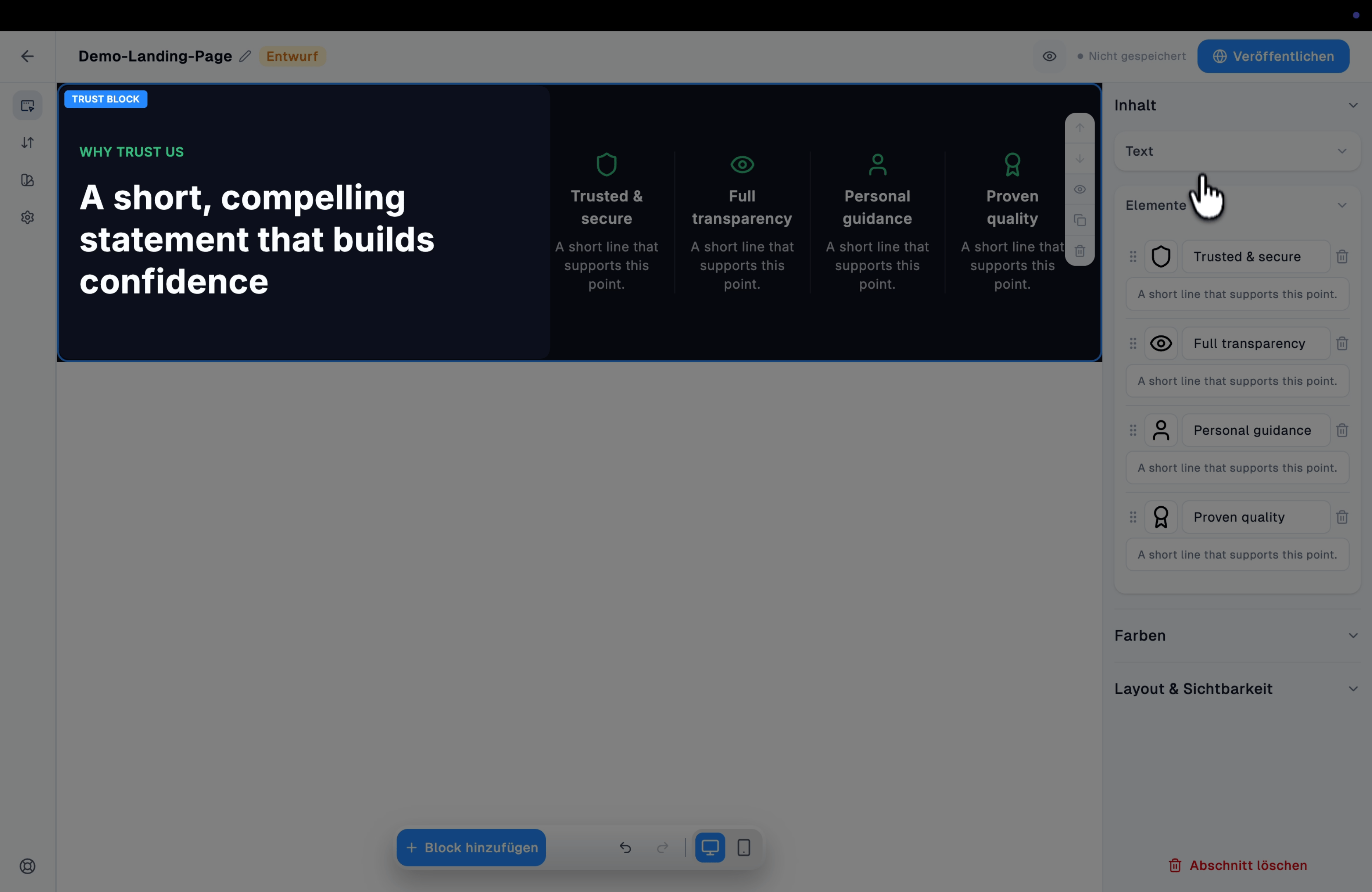
Die vier Vertrauensfaktoren mit Icon, Titel und kurzer Beschreibung; das [Icon](/convert/landing-page-editor/icons) je Faktor lässt sich frei wählen.
### Elemente
Die vier Vertrauensfaktoren mit Icon, Titel und kurzer Beschreibung; das [Icon](/convert/landing-page-editor/icons) je Faktor lässt sich frei wählen.